



Municipalities
& meebook
Book Meeting
What is Meebook?
Meebook is Denmark's most widely used learning platform.
Implemented in more than 40 Danish municipalities.
Used by more than 300,000 students and 30,000 teachers.
Developed in close collaboration with teachers.
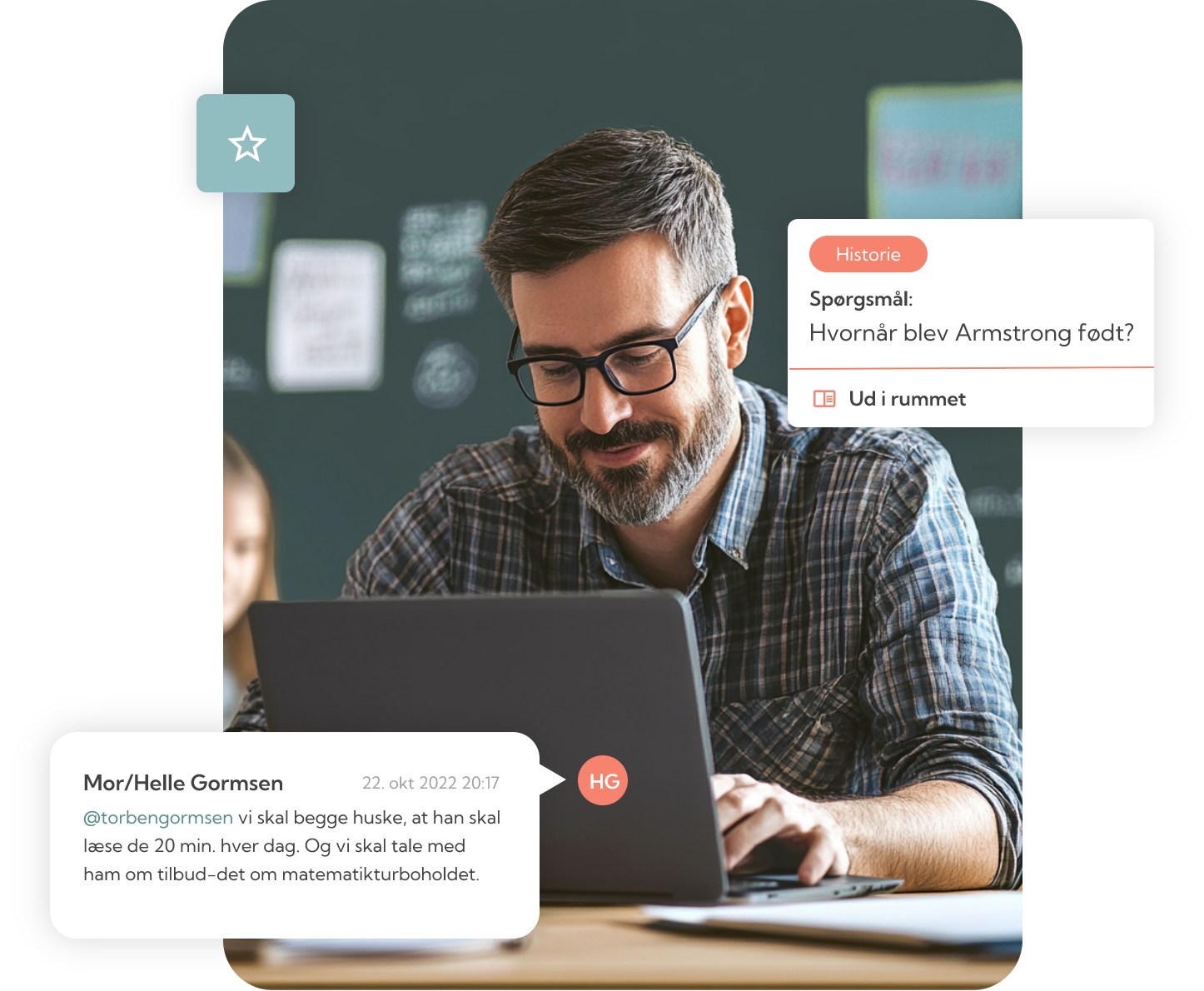
Features
Teaching Themes: Create, organize, and distribute
Week-/Year Plan: Gain an overview
Assignment submission: Digital submission and feedback
Assessment: Teacher feedback and student assessment.
Statistics: Insight for management.
Communication: Student portfolio.
Documentation: Templates (academic and social).
Substitute teacher module: Temporary access
Notes and teaching goals: Personal notes, goals.
Knowledge Sharing: ShareIT knowledge bank (+40.000 teaching themes).

Implementation
Nearly 2,000 courses, webinars, and in-person meetings held – we've been everywhere in the Danish public school system, playing an active role in implementing our LMS across all types of schools.
We support you every step of the way and ensure that all teachers become part of the journey.
“We’ve worked closely with Meebook in our schools. The intuitive user interface made the implementation much easier than expected.”
NEWS
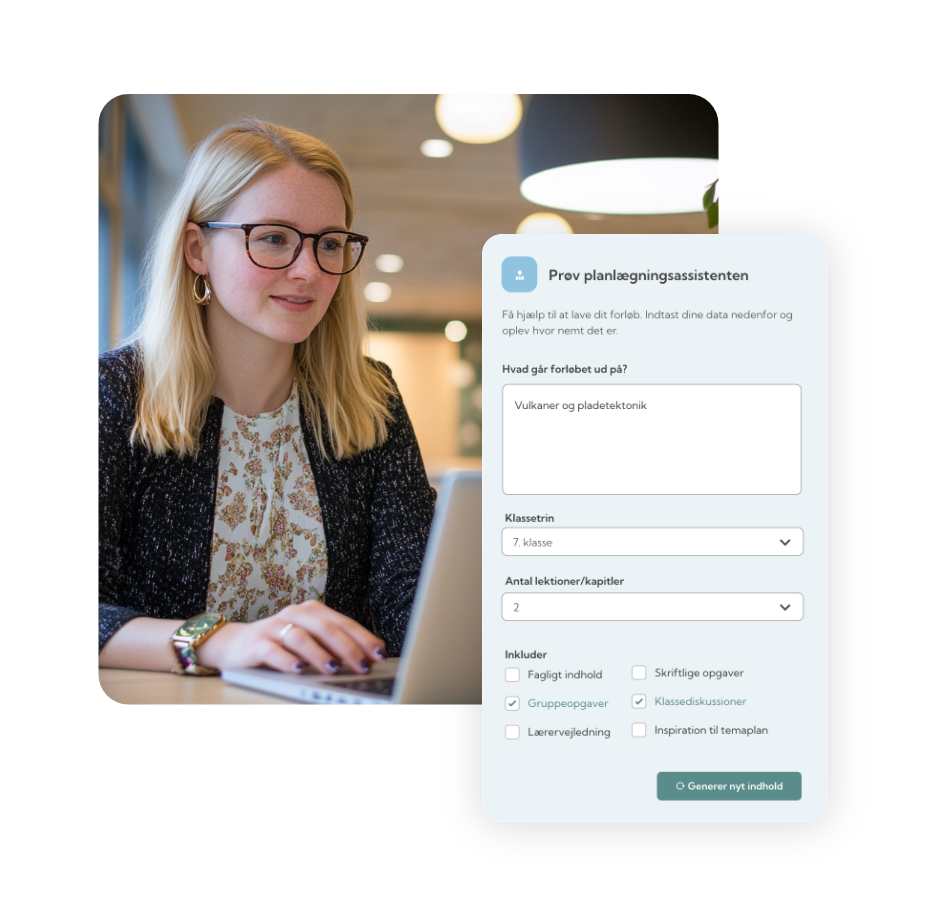
Meebook AI-assistant






Price
The price varies depending on the number of students and your specific needs.
Contact us for a tailored price.
Change Platform
Meebook supports standard format that makes it easy to transfer learning themes between systems – without any hassle.

Implementation & Support
Meebook ensures a smooth and fast implementation with no disruption, so everyone can get started quickly.
We offer free support on weekdays from 8 AM to 4 PM (UTC +1)

-
Year Planning: Plan your teaching for the entire year with a clear and dynamic overview that’s easy to adjust.
Theme Planning: Create and structure learning themes.
Information through Week Plans: Access and share important information through weekly plans that provide a clear overview of upcoming lessons.
Student Overview & Evaluation: Track student progress and provide feedback.
Feedback & Assignment Assessment: Receive and review student assignments digitally.
Knowledge Sharing: Share teaching materials and resources with colleagues and students.
Collaboration: Support collaboration across subjects and classes with colleagues.
Documentation & Communication: Use the student portfolio to document in templates or to communicate with students and parents.
-
Access to week plans: Læs vigtige informationer og se afleveringsfrister direkte i ugeplanen. Read important information and see assignment deadlines directly in the weekly plan.
Year Plans: Get an overview of what you’ll be covering throughout the school year, including key topics and themes.
Assignment submission: Upload and submit assignments esasily through the platform.
Self-Evaluation: Evaluate your own performance and track your progress.
Notes: Write and save personal notes about your teaching.
Student portfolio: Keep track of communication between you and your teachers.
-
Statistics Module: View statistics on logins, shared themes, week plans, year plans, and themes shared via the ShareIT knowledge bank.
Overview of Student Portfolios: Track communication between teachers, parents, and students.
Student Lists & Year Plans: Access student lists and gain insight into teachers’ year plans.
Periodic Reporting: Download periodic Excel reports with statistical data.
Substitute Module: Assign temporary access to substitutes, giving them access to a teacher’s materials and year plan during absence.
Insight into Learning Objectives: Monitor how learning objectives are implemented and achieved in teaching themes.
Resource Optimization: Improve resource planning based on platform usage data and insights.
-
Insight into your child’s development: Follow your child’s progress and performance across subjects and learning themes.
View deadlines and feedback: Keep track of assignment due dates and view the feedback your child receives from teachers.
Access to week plans: Get an overview of what’s being covered in class and upcoming activities through the weekly plan.
Insight into year plans: See what your child will be working on throughout the school year, including key themes and topics.
Communication with teachers: Use the student portfolio to communicate with teachers about your child’s education and receive important messages.
Support your child’s learning: With insight into learning plans and deadlines, you can better support and guide your child in their schoolwork.
User Types
See the benefits for each user type below.