

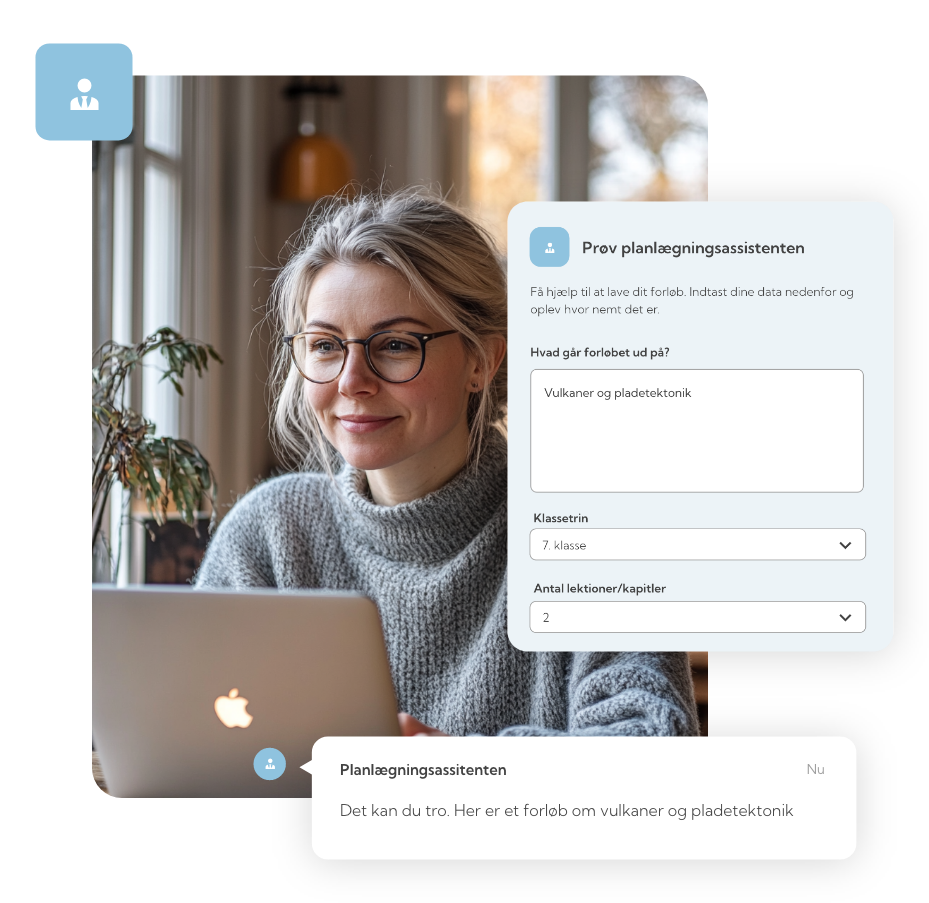
Teaching requires planning
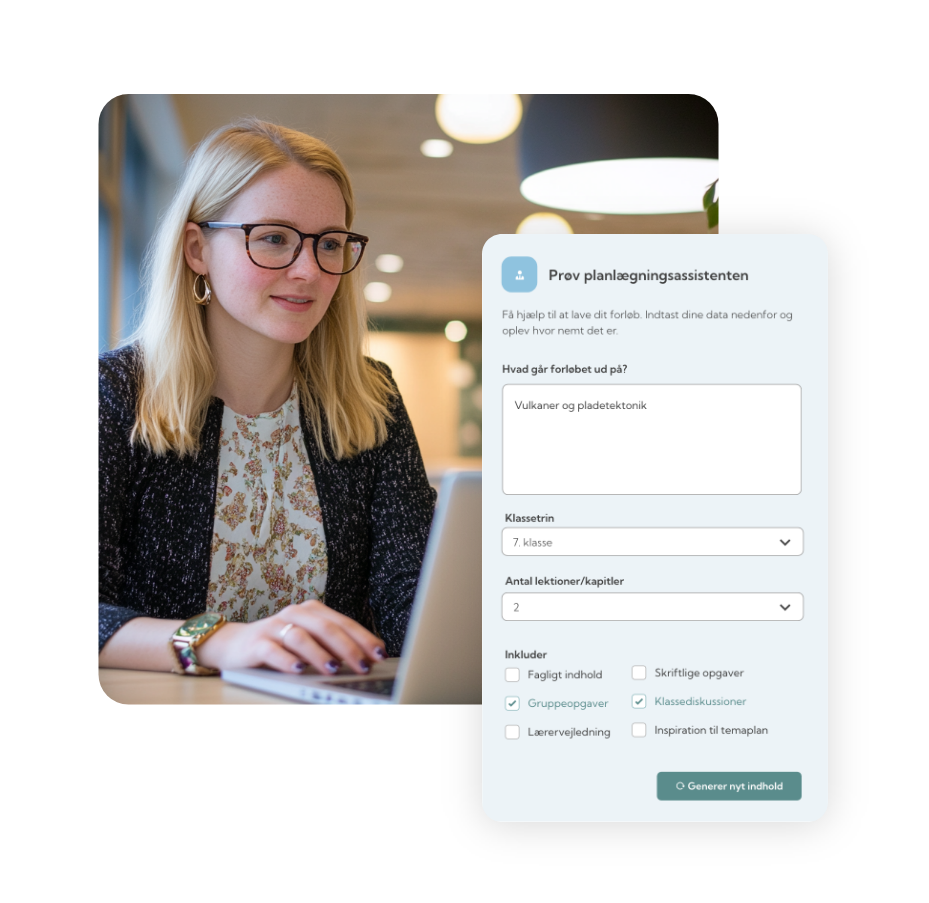
How does the AI Assistant work?
-
Tell the AI Assistant what your teaching theme is about.
Then, select the grade level, an appropriate number of lessons, and the types of activities you'd like to include.
Example:
“Volcanoes and plate tectonics” in the subject of geography. -
The AI assistant creates a draft of the overall framework for your teaching theme.
The suggestions reflect your choices of topic, grade level, and activities – and include ideas for content, assignments, texts, and reflections.
Example:
“AI can suggest types of activities such as class discussions, fieldwork, group assignments, or similar.” -
The AI assistant is neither a seasoned colleague, a DTU professor, nor a publishing house. As a teacher, you must—as always—apply source criticism and adapt the lesson plan to the specific teaching context you are in.
Example:
“Add supplementary teaching material, e.g., an image of a volcanic eruption.”
Benefits of the AI-assistenten?

Get inspiration
Get new ideas and renew your existing learning material.

Simplify Preparation
Avoid starting from scratch. Plan with AI and get qualified drafts in just a few clicks.

Academic Quality
Academic content rooted in subjects and guidelines.

Safe use of AI
No personal data is stored, and the language model can be replaced if the need arises.
Take the first step

Curious about how the AI assistant can support you in your teaching?
Frequently Asked Questions (FAQ)
-
The AI assistant's language model is based on probability. If it doesn’t know the answer, it may simply make an educated guess. That’s why it’s always important to be critical of the content before sharing it with students.
-
With Meebook’s AI Planning Assistant, you can easily and quickly create teaching themes.
You start by entering a topic and then select various parameters such as number of lessons, goals, and additional information.The assistant automatically analyzes the grade level, subject, and other relevant details, consults the appropriate curriculum guides, and puts together a draft structure for the theme. You can then fine-tune the content to match your teaching style and the needs of your students.
-
Yes, the themes are flexible and can be tailored exactly to your needs. After the AI Assistant generates a draft, you can modify, add, or remove elements to ensure it aligns with your teaching style and your students.
-
Yes, the suggested theme is created as a regular theme within the platform, which you are free to edit, save, copy, and share with colleagues.
-
Yes, the theme is created just like any other, and you can share it with colleagues or make it available in Share-It.
-
The more specific information you provide, such as subject, grade level, learning objectives, activities, types of materials, and descriptions - the better the suggestions will be. There's no need to write perfectly; the AI is trained to understand everyday language.
-
The AI assistant is designed to inspire your lesson planning. It cannot be used to plan teaching for individual students, assess assignments, or perform any tasks directed at individuals.
Therefore, there is no context within the assistant where it makes sense to enter personal data.
You must not write personal information such as names, CPR numbers, UNI-IDs, or anything else that can identify a student in a free-text field.
If you are unsure, contact your school management or municipal administration.